
📉
Storage Trend
Compare recent scans to see whether storage increased or decreased.
Android Storage Cleaner
Updated in v1.4.2
Scan and review files, compare storage changes, and use weekly reports to decide what is worth cleaning — all with local-first insights.
On-Device Insights
Storage reports stay local
Review Before Delete
Preview files and details
Optional Reminders
You choose when to enable
Version 1.4.2
Refined file sorting, recent scan snapshots, and more reliable reminders help you understand what changed and review only what matters.
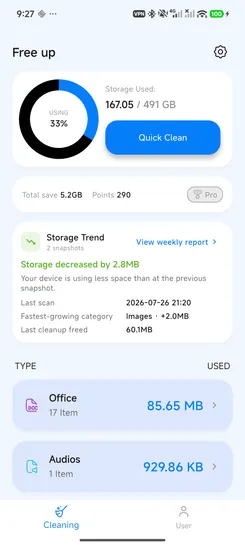
Compare recent scans to see whether storage increased or decreased.
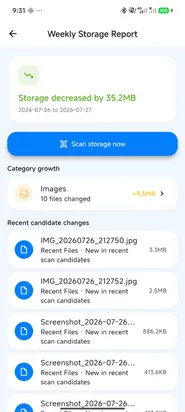
Review category growth, recent file changes, and suggested next steps.
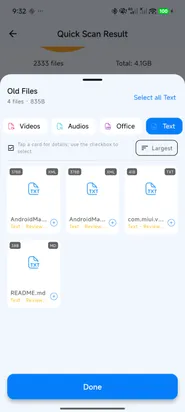
Use thumbnails, file details, filters, and category sorting before cleaning.
Choose a reminder interval when a useful storage review is available.
Features
FreeUp Cleaner combines review-first cleaning with local storage trends and practical weekly reports.
Remove useless junk, cache, APK files, and temporary files.
Find large files quickly and decide what is worth keeping.
Review photo-heavy storage areas and clean with confirmation.
See categories, recent storage changes, and weekly report summaries.
How It Works
Scan on demand, understand what changed, then review and clean selected files.
Step 1
Scan junk, large files, and storage categories on your device.
Step 2
Compare storage snapshots and review your weekly storage report.
Step 3
Preview details, choose files you recognize, and clean with control.
Screenshots
See Storage Trend, Weekly Storage Report, file filters, details, reminders, and cleanup results in real app screens.
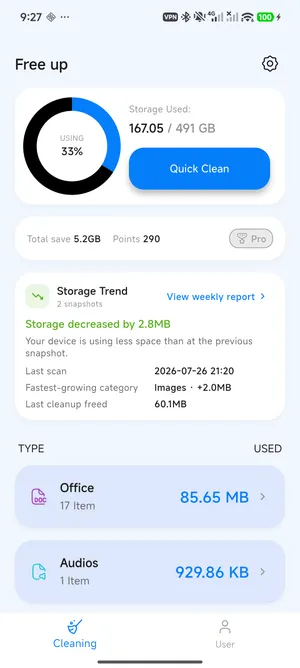
Compare recent scans and see the fastest-growing storage category.
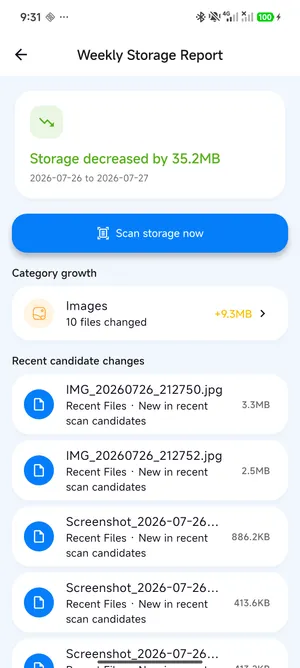
Review category growth, recent candidates, and storage changes.
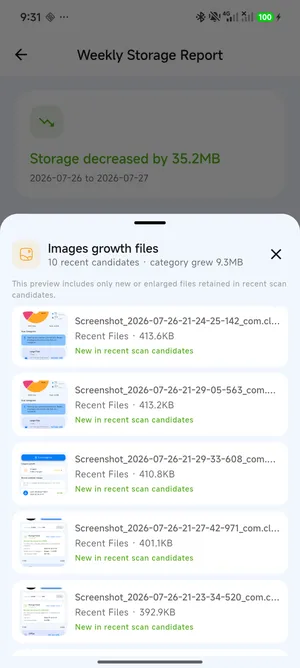
Inspect recent files behind a growing storage category on your device.
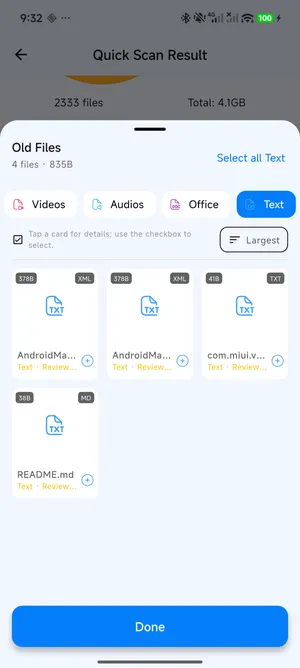
Filter by file type, sort results, and open details before selecting.
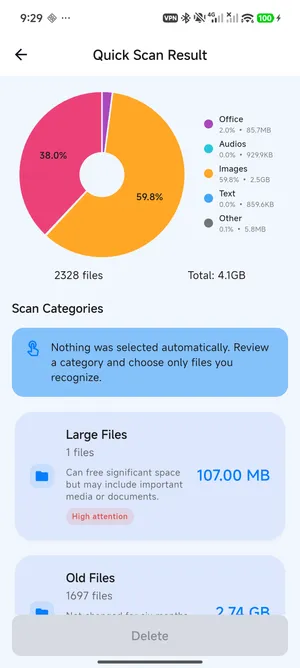
Understand storage categories and risk labels before cleaning.
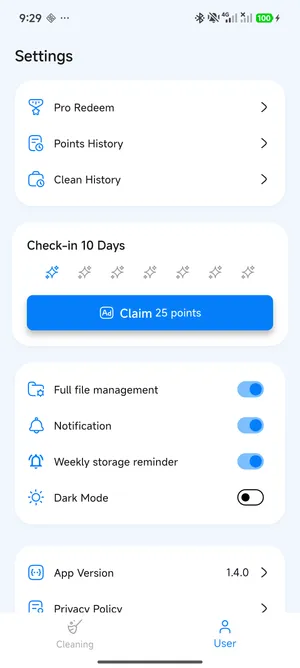
Turn weekly storage reminders on or off and choose the interval in Settings.
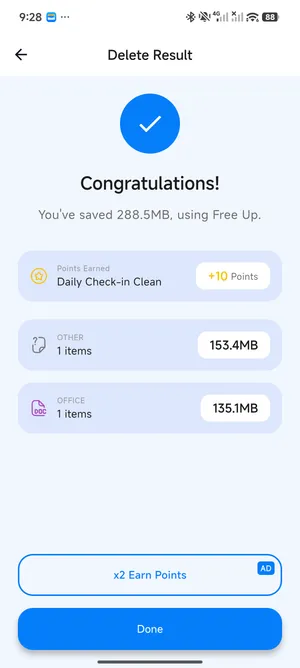
Review saved storage and points earned after cleaning.
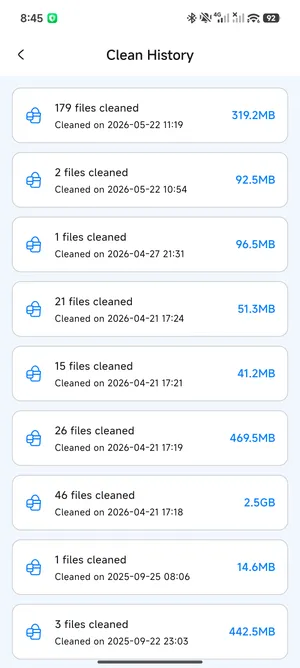
Track files cleaned and storage saved over time.
Benefits
The value proposition stays practical: understand storage, review files, and clean with control.
Free up valuable phone space by reviewing files that take up storage.
Compare recent scans and see which storage categories changed.
Storage snapshots and file candidates used by reports stay on device.
Use cleaning features and check-ins to earn points for Pro redemption.
FAQ
Answers are written conservatively for cleaner compliance and user trust.
FreeUp Cleaner is designed to help you review files before cleaning. You stay in control of what to remove.
The app helps identify junk, cache, large files, APK files, and other storage-heavy items. Review selected files before deleting anything important.
You can find junk files, cache, large files, APK files, screenshots, and other storage-heavy items.
Core file scanning and cleaning happen on your device. Some app functions, support links, analytics, or ads may use internet access.
Storage Trend compares snapshots created by your recent scans. It does not continuously scan your files in the background.
No. Storage snapshots, candidate file details, and previews used by Storage Trend and Weekly Storage Report are processed and stored on your device.
No. Weekly reminders are optional and can be enabled or disabled independently in Settings.
You can earn points through cleaning tasks, daily check-ins, and eligible rewards. Points can be used for Pro redemption when enough points are available.