
📉
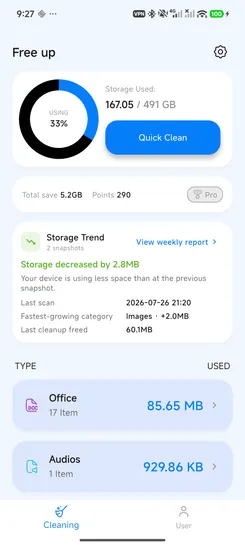
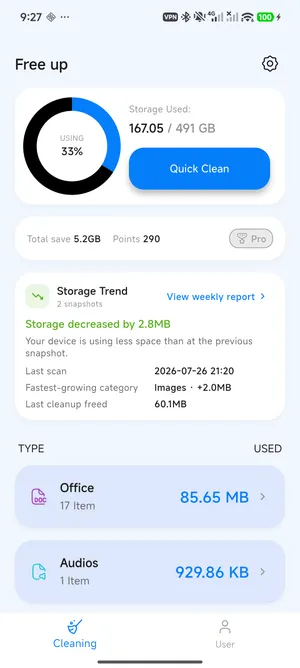
Storage Trend
Recent scans compare करके देखें कि storage बढ़ा या घटा है.
Android Storage Cleaner
v1.4.0 में नया
Files scan और review करें, storage changes compare करें और weekly reports से तय करें क्या clean करना है.
On-Device Insights
Reports device पर रहते हैं
Delete से पहले Review
Files और details देखें
Optional Reminders
आप तय करते हैं कब चालू हों
Version 1.4.0
नए local-first tools changes समझने, files review करने और सही समय पर वापस आने में मदद करते हैं.
Recent scans compare करके देखें कि storage बढ़ा या घटा है.
Category growth, recent file changes और next steps देखें.
Clean करने से पहले thumbnails, details, filters और sorting इस्तेमाल करें.
Useful storage review होने पर optional reminder चालू करें.
फीचर
FreeUp Cleaner review-first cleaning को local storage trends और weekly reports के साथ जोड़ता है.
Junk, cache, APK files और temporary files हटाएं.
Large files जल्दी खोजें और तय करें क्या रखना है.
Photo-heavy storage areas review करके clean करें.
Categories, recent storage changes और weekly summaries देखें.
कैसे काम करता है
On-demand scan करें, changes समझें, फिर selected files review और clean करें.
चरण 1
Device पर junk, large files और storage categories scan करें.
चरण 2
Storage snapshots compare करें और weekly report देखें.
चरण 3
Details देखें, पहचानी हुई files चुनें और control के साथ clean करें.
स्क्रीनशॉट
Storage Trend, Weekly Report, file filters, details, reminders और clean results की real screens.
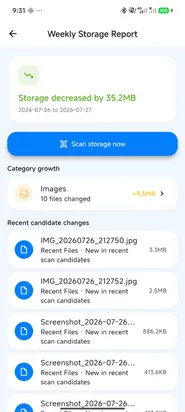
Recent scans compare करें और fastest-growing category देखें.
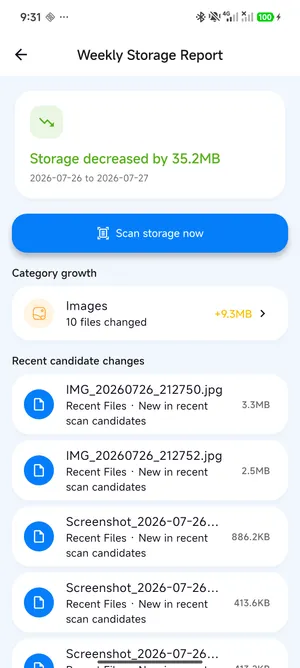
Category growth, recent candidates और storage changes देखें.
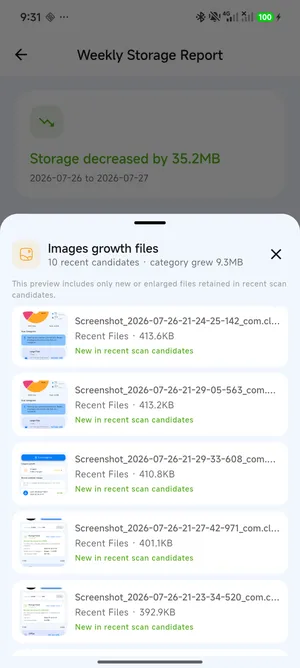
बढ़ती storage category के पीछे recent files देखें.
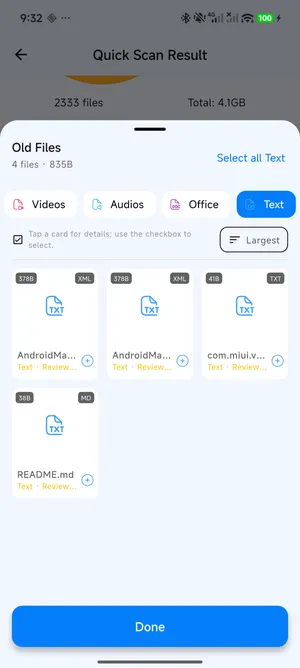
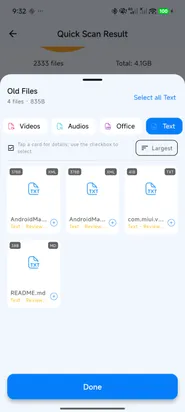
File type filter करें, results sort करें और selection से पहले details खोलें.
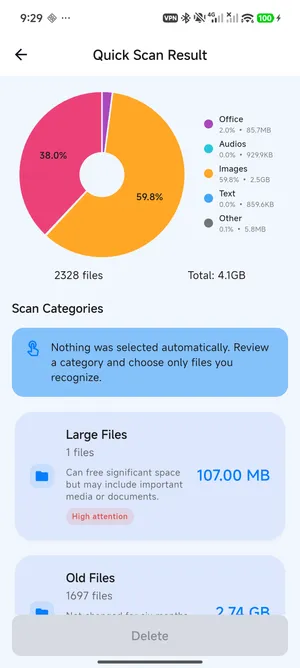
Cleaning से पहले categories और attention labels समझें.
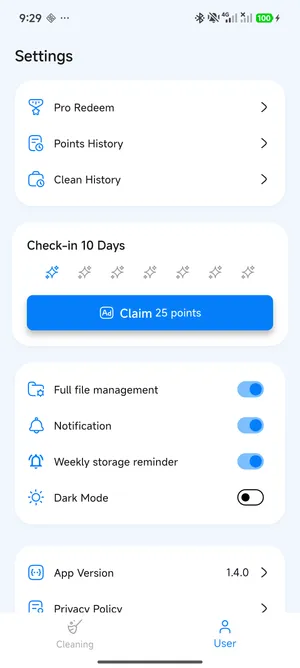
Settings में weekly storage reminder चालू या बंद करें.
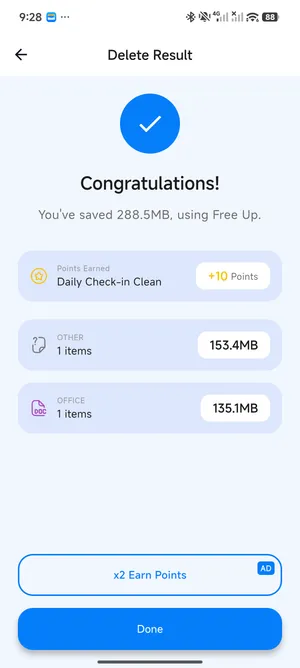
Clean के बाद saved storage और earned points देखें.
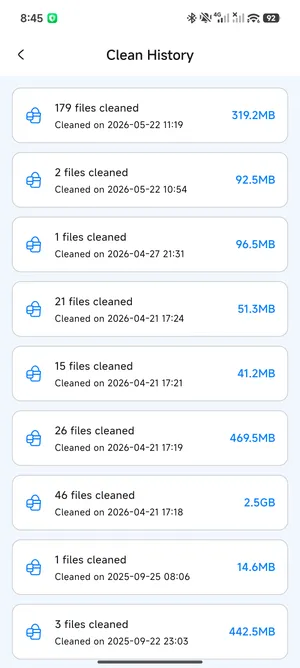
Cleaned files और saved storage को track करें.
लाभ
Storage समझें, files review करें और control के साथ clean करें.
Storage लेने वाली files review करके phone space खाली करें.
Recent scans compare करें और देखें कौन-सी categories बदलीं.
Report snapshots और file candidates device पर ही रहते हैं.
Cleaning features और check-ins से Pro points कमाएं.
FAQ
जवाब भरोसे और cleaner compliance को ध्यान में रखकर लिखे गए हैं.
FreeUp Cleaner cleaning से पहले files review करने में मदद करता है. आप तय करते हैं कि क्या हटाना है.
App junk, cache, large files, APK files और दूसरे storage-heavy items पहचानने में मदद करता है. Important files हटाने से पहले review करें.
आप junk files, cache, large files, APK files, screenshots और दूसरे storage-heavy items खोज सकते हैं.
Core file scanning और cleaning device पर होती है. कुछ functions, support links, analytics या ads internet इस्तेमाल कर सकते हैं.
यह recent scans से बने snapshots compare करता है. App background में लगातार files scan नहीं करता.
नहीं. Reports में इस्तेमाल होने वाले snapshots, candidate details और previews device पर process और store होते हैं.
नहीं. Weekly reminder optional है और Settings में अलग से चालू या बंद किया जा सकता है.
Cleaning tasks, daily check-ins और eligible rewards से points मिल सकते हैं. Enough points होने पर Pro redeem किया जा सकता है.